 MotionIndex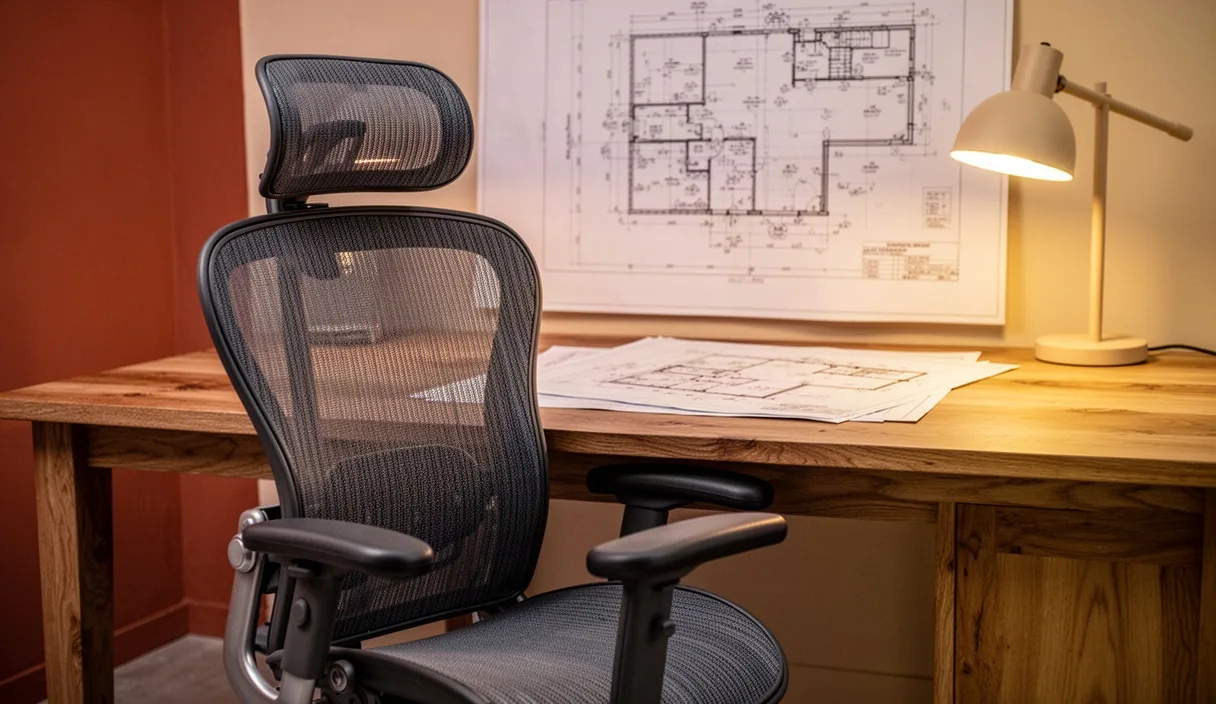

Spinal loading during prolonged sitting is governed by static muscular tension, passive tissue strain, and intradiscal pressure within the lumbar and cervical regions. While the upright standing posture distributes compressive forces across the spinal column and lower extremities, seated postures alter the position of the pelvis, modifying the natural sagittal curvatures. The resulting change in mechanical load shifts stress from bone-on-bone weight bearing toward the intervertebral discs and the posterior ligamentous complex.
Quantifying these stresses requires an analysis of mechanical forces, specifically axial compression, anterior-posterior shear, and tissue creep. When office workers remain seated for extended periods, even slight deviations from neutral alignment multiply the mechanical moments acting on the lumbar spine. Understanding the physical principles behind seating geometry, tissue deformation, and active movement breaks allows for targeted adjustments that manage these mechanical loads throughout the workday.
Biomechanics of Lumbar Intradiscal Pressure in Various Seated Angles
Intradiscal pressure (IDP) serves as a primary metric for assessing mechanical stress on the spine. Classic in vivo pressure measurements by Alf Nachemson, alongside modern pressure-sensor studies, show that unsupported, slumped sitting generates higher internal hydrostatic pressure within the nucleus pulposus of the L3-L4 and L4-L5 discs than relaxed standing. In a relaxed standing posture with normal lordosis, the normalized baseline pressure inside a lower lumbar disc is roughly 100 kilopascals (kPa). When an individual transitions to an unsupported sitting position at a 90-degree torso-to-thigh angle, that value increases to approximately 140 kPa due to the loss of lumbar lordosis and the recruitment of passive spinal structures.
The inclination of the backrest directly influences this compressive load. As the backrest reclines from 90 degrees to between 105 and 115 degrees, a significant fraction of torso weight transfers to the backrest. This mechanical transfer reduces the axial gravitational load acting downward through the vertebral bodies. When a backrest incline is paired with adequate lumbar support, the internal disc pressure can drop below standing baseline levels, reaching values near 75 to 80 kPa.
Conversely, forward-leaning postures, common when inspecting small screen text or leaning toward a keyboard, generate substantial flexion moments. In a forward-inclined seated posture of roughly 70 to 80 degrees relative to the horizontal, intradiscal pressure can exceed 185 kPa. This elevation occurs because the extensor musculature (active vitality spinae and multifidus) must produce high internal tensile forces to prevent the torso from collapsing forward, amplifying the net compressive force across the vertebral endplates.
| Postural Configuration | Torso-to-Thigh Angle | Relative Lumbar Disc Pressure | Primary Load Mechanism |
|---|---|---|---|
| Upright Standing (Neutral) | 180 degrees | Baseline reference | Axial compression distributed across columns |
| Upright Unsupported Sitting | 90 degrees | 140 percent of baseline | Loss of lordosis, pelvic backward rotation |
| Forward Slumped Sitting | 70 to 80 degrees | 185 to 200 percent of baseline | Flexion bending moment and active muscle counter-pull |
| Supported Recline (with lumbar pad) | 110 to 115 degrees | 75 to 85 percent of baseline | Load transfer into seat backrest structure |
Ligamentous Creep and the Risk of Acute Strain Following Prolonged Sitting
The human spine possesses viscoelastic properties, meaning its response to loading depends on time and rate. Ligamentous creep refers to the slow, progressive elongation of fibrous connective tissues, including the supraspinous ligament, interspinous ligament, and posterior longitudinal ligament, under a sustained, low-magnitude tensile load. When a desk worker maintains a kyphotic, flexed lumbar posture for more than 20 continuous minutes, the collagen fibers within these ligaments gradually uncoil and slip past their cross-links.
This microstructural deformation leads to a temporary reduction in ligamentous stiffness. As the posterior ligaments stretch, the mechanical stability of the spinal motion segment decreases. Simultaneously, mechanoreceptors embedded within these tissues become desensitized. This desensitization impairs the reflexive neuromuscular activation of the paraspinal muscles, creating a condition known as delayed reflex contraction. Consequently, the neuromuscular system fails to immediately recruit stabilizing muscles to counter sudden mechanical disturbances.
The clinical relevance of ligamentous creep is highest immediately following prolonged sitting. If an individual stands up after two hours of static flexion and lifts an object, such as a computer bag or a box of paper, the spine is in a compromised state. The posterior ligaments remain elongated and cannot immediately absorb tension, while the stabilizing musculature exhibits a delayed firing pattern. As a result, the anterior portion of the annulus fibrosus experiences concentrated compression, while the posterior elements are subjected to increased tensile and shear strain, raising the risk of acute muscle strain or disc herniation.
Seat Pan Depth, Lumbar Support Placement, and Pelvic Tilt Mechanics
The pelvis dictates the foundational curvature of the spine above it. In quiet standing, the sacral base is tilted forward at an angle between 30 and 40 degrees. When sitting on a flat horizontal surface, the ischial tuberosities act as a pivot point. The weight of the upper body, combined with the orientation of the thigh bones, forces the pelvis into a posterior tilt, reducing the sacral angle to less than 15 degrees. This posterior pelvic rotation flattens or reverses the lumbar lordosis, shifting the lumbar segments into structural flexion.
Seat pan depth directly affects pelvic orientation. If a seat pan is too deep, the front edge of the seat compresses the tissues in the popliteal fossa behind the knee. To escape this discomfort, the occupant shifts their pelvis forward away from the backrest. This forward shift induces an extreme posterior pelvic tilt and leaves the lumbar spine completely unsupported. The ideal seat pan depth leaves an open gap of 3 to 6 centimeters (roughly two to three finger-widths) between the back of the knee and the leading edge of the seat cushion, allowing full contact with the backrest without vascular or neurological impingement.
Lumbar support placement must align precisely with the apex of the individual's lumbar lordosis, typically located at the L3-L5 vertebral level. A support placed too high pushes the lower thoracic cage forward, increasing thoracolumbar junction shear. A support placed too low rests against the posterior superior iliac spines, pushing the entire pelvis forward instead of restoring lordosis. Correct support placement provides a mild anterior force (generally between 20 and 40 millimeters of forward contour from the seat back plane), maintaining the sacrum in a neutral orientation and preserving the wedge shape of the lower lumbar intervertebral discs.
The Role of Active Thoracic Extension Micro-Drills During Desk Work
Prolonged desk tasks often lead to protracted shoulders, internal humeral rotation, and increased thoracic kyphosis. Because the thoracic spine possesses limited sagittal mobility compared to the cervical and lumbar regions, structural stiffness develops quickly in flexion. Increased thoracic kyphosis forces the lower cervical spine into compensatory flexion and the upper cervical spine into hyperextension to keep the eyes horizontal, substantially elevating muscular demand on the levator scapulae and upper trapezius.
Active thoracic extension micro-drills counteract this posture by cycling the posterior thoracic musculature and decompressing the anterior borders of the thoracic vertebral bodies. These movements encourage fluid exchange within the intervertebral discs, which rely entirely on passive diffusion and pressure fluctuations for nutrient supply.
To execute a seated thoracic extension drill effectively, follow this sequence:
- Slide the hips firmly against the rear boundary of the chair, ensuring the feet rest flat on the floor to stabilize the pelvis.
- Interlace the fingers behind the base of the skull, maintaining light contact with the occiput while keeping the elbows spread wide to engage the rhomboids and middle trapezius.
- Inhale slowly, and use the upper rim of the chair's backrest as a fulcrum to gently extend the middle upper back rearward by 10 to 15 degrees. Avoid arching the lower lumbar spine; the motion must come from the chest lifting toward the ceiling.
- Hold this extended position for three to five seconds while focusing on relaxed diaphragmatic breathing.
- Exhale and return to the vertical neutral posture. Repeat this cycle 4 to 6 times at intervals of 45 to 60 minutes throughout the workday.
A Functional Checklist for Evaluating Workstation Ergonomic Geometry
Adjusting an office workstation requires a systematic, bottom-up approach. Modifying the monitor or keyboard before the chair and feet are properly configured introduces cascading postural compensations. Use the following sequential checklist to establish an anatomically sound setup.
Lower Extremity and Pelvic Support
- Adjust seat height so that the soles of the shoes rest completely flat on the floor or on a stable footrest, creating a knee flexion angle between 90 and 100 degrees.
- Confirm that the thighs rest parallel to the floor, without excessive pressure under the distal third of the posterior thighs.
- Set the seat pan depth to provide 3 to 6 centimeters of clearance between the front edge of the seat cushion and the popliteal crease.
- Set the backrest recliner between 100 and 110 degrees to offload axial compression onto the chair frame.
- Align the lumbar support convex cushion with the curve of the lower back, ensuring firm support across the L3-L5 region.
Upper Limb and Interface Alignment
- Adjust armrest height so that the elbows rest at a 90- to 105-degree angle when the shoulders are fully relaxed, avoiding upward shrugging or lateral leaning.
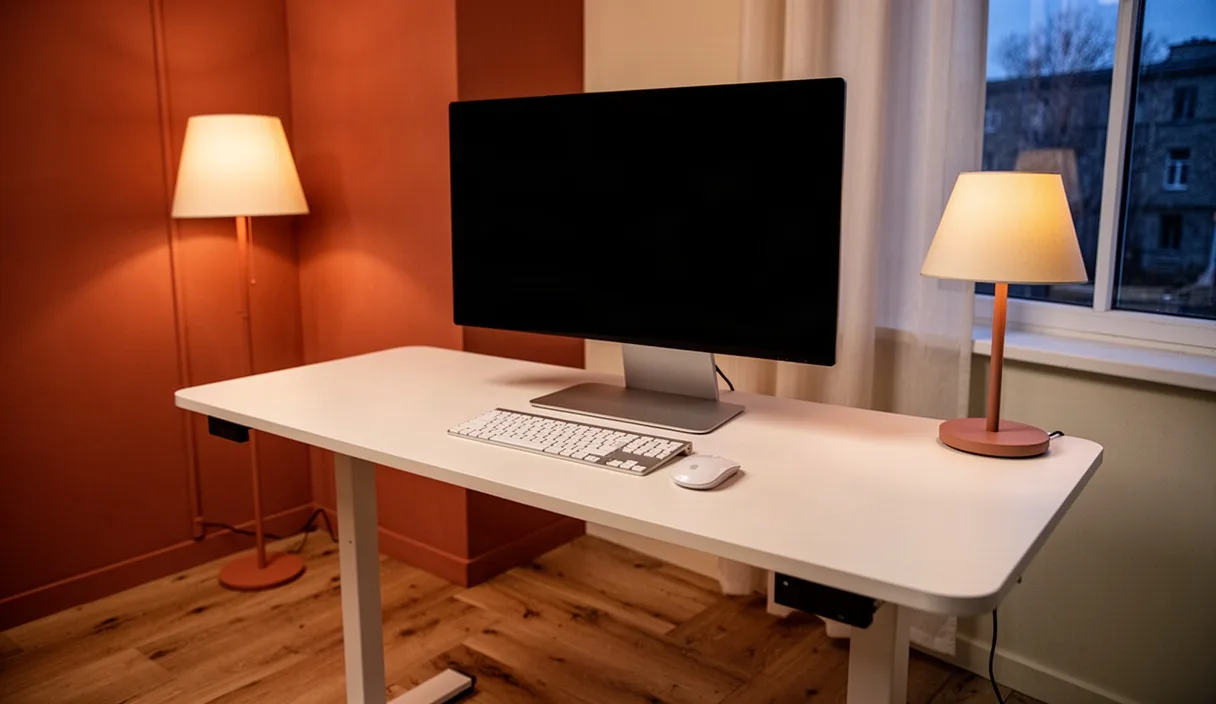
- Position desk surface height or the keyboard tray so the keyboard and mouse sit level with the resting height of the forearms.
- Place the input devices close enough that the upper arms hang vertically from the shoulder joints, keeping forward reaching within a 15-centimeter margin.
- Position the keyboard flat or at a slight negative tilt (sloping downward and away from the body) to prevent sustained wrist extension.
Visual Field Alignment
- Align the primary monitor directly in front of the midline of the body, avoiding continuous rotation of the cervical spine.
- Adjust the display height so that the top third of the screen sits at horizontal eye level, creating a downward gaze angle between 15 and 20 degrees to the center of the display.
- Set the viewing distance between 50 and 75 centimeters (roughly an arm's length), adjusting font size to avoid forward head translation.
Common Mistakes in Workplace Setup
Workstation ergonomics is often undermined by well-intentioned but biomechanically flawed configurations. Identifying these common errors helps prevent unintended musculoskeletal strain.
- Perching on the front edge of the chair: Workers sometimes sit on the forward edge of the seat to appear active or alert. This position eliminates all contact with the backrest, forcing the lumbar active vitality spinae into continuous, high-amplitude contraction. Within 15 minutes, local muscular fatigue occurs, inevitably causing the worker to collapse into an unsupported, flexed slump.
- Over-inflating or over-extending the lumbar support: Applying excessive forward depth to the lumbar support pushes the lower spine into hyperlordosis. This narrows the intervertebral foramina, increases loading on the lumbar facet joints, and can cause local extension pain.
- Relying on armrests that are set too wide: When armrests cannot be moved inward toward the torso, the user must abduct their arms to reach the pads. This outward positioning triggers isometric tension in the supraspinatus and upper trapezius muscles, resulting in chronic tension across the neck and shoulder girdle.
- Using a static, unyielding recline setting: Locking a chair mechanism into an immovable angle for an entire eight-hour shift promotes blood pooling and continuous localized loading. Ergonomic chairs are designed for dynamic support; unlocking the tilt tension so it responds gently to natural shifts in body weight is mechanically superior to total rigidity.
Practical Implementation Guidelines
Implementing effective ergonomics requires a balance between hardware adjustment and behavioral cadence. Modifying chair and desk mechanics addresses static load, but physical tissues still require intermittent variation in joint angles and fluid distribution.
Begin by conducting a geometry check based on the criteria outlined above. Make adjustments one variable at a time, starting from the floor up to the monitor height. Once the equipment is positioned correctly, integrate a baseline routine: alter postures slightly between 100 degrees and 110 degrees of recline throughout the day, and stand for two to three minutes every 45 minutes to restore ligamentous tone and reverse viscoelastic creep.
These principles offer mechanical guidance for reducing standard workplace physical stresses. However, these recommendations do not replace individual clinical assessment. Individuals with pre-existing spinal pathologies, such as lumbar radiculopathy, spondylolisthesis, or symptomatic cervical disc disease, should consult a licensed physical therapist or occupational health specialist for personalized ergonomic guidance.